
Website Development Classes
Build real websites from scratch using HTML, CSS, and JavaScript.
About This Class
Students learn to build websites from the ground up. Starting with HTML and CSS, they'll progress to JavaScript and interactive features. They'll create personal portfolio sites, fan pages, or project showcases, gaining skills that are immediately applicable and highly valuable.
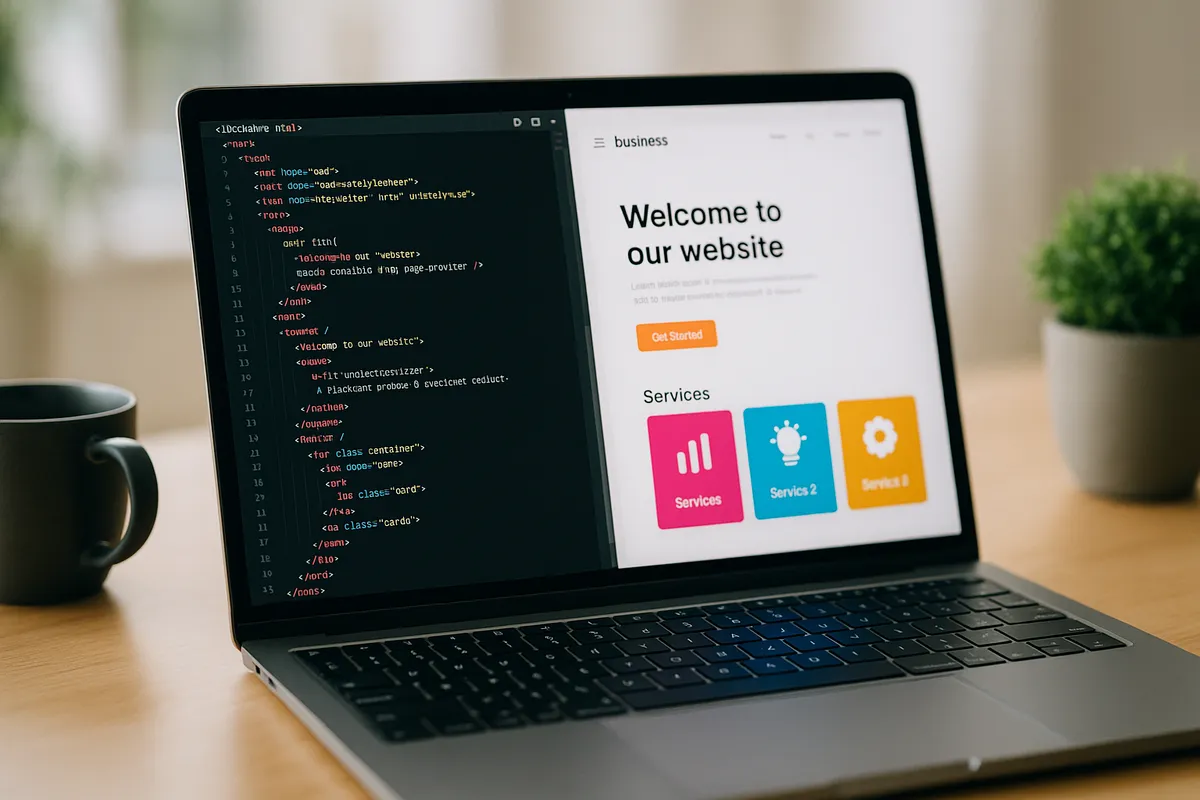
Tech Tails' website development classes for kids ages 8 and up teach students to build real, working websites from the ground up, not drag-and-drop templates. In live, 1-on-1 sessions over Zoom, a dedicated instructor guides students from their first HTML page through CSS styling and, eventually, interactive features built with JavaScript. Students write and edit real code in VS Code, the same editor many professional developers use, and publish finished sites live on the internet using GitHub Pages.
Projects are personalized around what each student wants to build, whether that's a portfolio site, a fan page for a favorite game or show, or a project showcase for school. Older or more design-focused students can also use Figma to plan a site's layout before building it, learning how professionals move from design to working code.
What You'll Learn
HTML & CSS
JavaScript
Responsive design
Web hosting
Portfolio building
What they can build
Examples. Every student's path is built around their own interests.
A personal portfolio site
Build a simple website showcasing the student's interests, projects, or artwork using HTML and CSS, then publish it live with GitHub Pages so friends and family can visit it.
A fan page for a favorite game or show
Design and code a themed page with images, layout sections, and custom styling in HTML and CSS, practicing real page structure around a topic they love.
An interactive quiz or game page
Add JavaScript to a webpage to create a simple quiz, calculator, or clicking game, learning how code responds to what a visitor does on the page.
A responsive multi-page site
Build a small site with multiple linked pages that looks good on both a phone and a computer, using CSS to adjust layout for different screen sizes.
A styled landing page from a Figma design
Plan a page's layout and colors in Figma first, then build it in HTML and CSS, learning how developers translate a design into working code.
A coding playground project in Replit
Experiment quickly with small HTML, CSS, and JavaScript snippets in Replit, testing ideas and seeing changes instantly before adding them to a bigger project.
How Your Student Progresses
- 1
Getting started
New students learn HTML structure and CSS styling, building simple single-page projects like a personal introduction page or a themed fan page. Early sessions focus on understanding how elements, tags, and styles fit together, using VS Code or Replit to write and preview code changes right away.
- 2
Building skills
Students add JavaScript to make pages interactive, building things like simple quizzes, buttons, or small games, and start organizing projects across multiple linked pages. They also learn responsive design basics in CSS, so their sites work well on both phones and computers.
- 3
Going further
Advanced students plan layouts in Figma before building them, learning how developers move from design to code, and take on more complex JavaScript features. At this stage, students typically publish a finished, multi-page site with GitHub Pages, building a real, shareable portfolio piece.
Is this class a good fit?
Website Development classes are great for kids who:
- want to build something they can show off on the actual internet
- enjoy both visual design and logical problem-solving
- like seeing immediate, visible results from the code they write
- are interested in a future in web or software development
- want a portfolio project for school or personal use
How Classes Work
Private 1-on-1
Every session is a private lesson between your student and their dedicated instructor. No group classes.
Live on Zoom
Classes happen live over Zoom from the comfort of home. All you need is a computer and internet.
Full 1-Hour Sessions
Each session is a full hour of focused, engaging live instruction.
Weekly Schedule
Pick a weekly time that works for your family. Consistent scheduling builds lasting skills.
Tools & Software
Students work with industry-standard tools used by professionals
Tools vary based on student level and project goals
Website Development FAQ
What age can my child start website development classes?
Website development classes are designed for students ages 8 and up, since the curriculum starts with HTML and CSS syntax rather than visual, block-based tools. Younger students who want an earlier introduction to coding concepts are often better suited to Scratch-based classes first, then can move into website development once they're comfortable typing code.
Does my child need to already know how to code?
No. Most students start with no prior coding experience. Sessions begin with HTML and CSS fundamentals, building simple pages step by step before JavaScript and interactivity are introduced. Because classes are 1-on-1, the instructor can slow down or speed up based on how quickly your child picks up new concepts.
Will my child's website actually be live on the internet?
Yes. Finished projects can be published using GitHub Pages, a free hosting service, so students can share a real, working link with family and friends rather than a file that only opens on their own computer. Publishing a site is often a highlight for students working toward a portfolio piece.
What software does my child need for website development classes?
Students use VS Code, a free code editor, to write HTML, CSS, and JavaScript, and Replit for quick, browser-based experiments. Figma, used for planning page layouts, is also free for students. GitHub Pages, used to publish finished sites, is free as well. The instructor will confirm exact setup during the trial class.
Is website development a good next step after Scratch or Roblox coding?
Yes. Many students move into website development after building a foundation in visual tools like Scratch or block-based Roblox scripting, since HTML, CSS, and JavaScript are a natural next step into text-based programming. The core logic skills carry over, even though the syntax and output are very different.
Keep Exploring
Related classes
Who teaches
- Skyler CameronFull Stack Development Expert
- Evan SternSenior Game Developer
- Austin WeeksUnity & AI Specialist
- Tyler BurgentsGame Development Expert
- Jaycee SalinasGame Developer & AI Specialist
Scholarships
We accept many education scholarships and ESA programs. If you have education funding, we can likely accept it.
Learn MoreReady to Get Started?
Try a full Website Development class for free. No payment, no obligation.
Claim Your Free Trial Class