
Microsoft Office Classes
Master Word, Excel, PowerPoint, and more, essential skills for school and beyond.
About This Class
Students learn to use Microsoft Office suite proficiently. From writing reports in Word and building spreadsheets in Excel to creating compelling presentations in PowerPoint, they'll gain productivity skills that serve them through school and into their careers.
Tech Tails' Microsoft Office classes for kids build practical productivity skills that show up in school assignments right away and carry into college and career work later on. In live, 1-on-1 sessions over Zoom, a dedicated instructor teaches Word, Excel, and PowerPoint through real, personalized projects rather than generic tutorials, so a student working on a book report and a student building a science fair presentation are learning the same software in completely different ways.
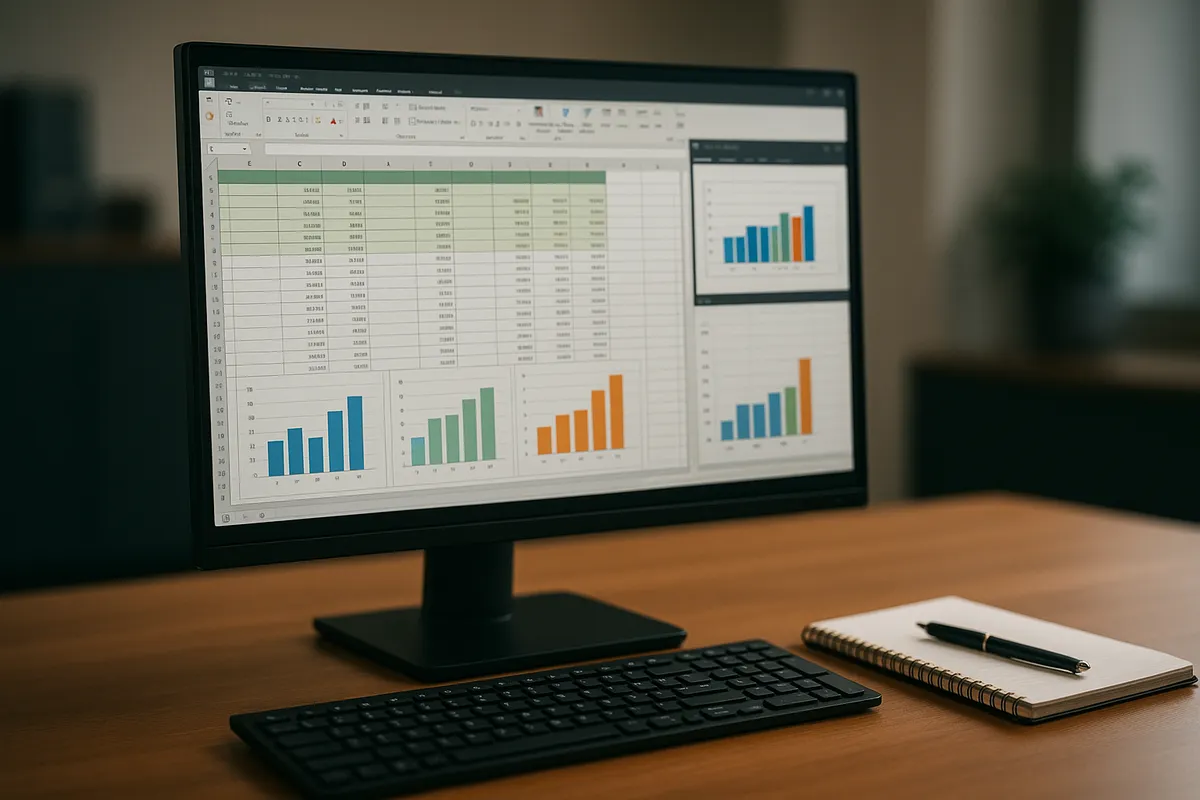
Students learn document formatting in Word, formulas and charts in Excel, and presentation design in PowerPoint, along with using OneDrive to save and access their work from anywhere. Because the class is 1-on-1, an instructor can move quickly for a student who already knows the basics or slow down to build real confidence with a first-time user.
What You'll Learn
Microsoft Word
Microsoft Excel
Microsoft PowerPoint
Document formatting
Spreadsheet formulas
Presentation design
What they can build
Examples. Every student's path is built around their own interests.
A formatted school report
Write and format a multi-page report in Microsoft Word, learning headings, page numbers, and layout choices that make a document look polished and professional.
A budget or data tracker in Excel
Build a simple spreadsheet, like an allowance tracker or a sports stats sheet, using formulas and charts in Microsoft Excel to organize and visualize real data.
A presentation for school or a hobby
Design a slideshow about a chosen topic in Microsoft PowerPoint, practicing layout, transitions, and how to present information clearly instead of overcrowding a slide.
A shared class or group project file
Collaborate on a shared document or spreadsheet using OneDrive and Microsoft Teams, learning how version history and comments support real teamwork.
A resume or portfolio one-pager
For older students, build a first resume or personal summary page in Microsoft Word, learning formatting habits that carry directly into college and job applications.
A data analysis mini-project
Use Excel formulas and simple charts to analyze a small dataset, like weather patterns or game scores, turning raw numbers into a clear, readable summary.
How Your Student Progresses
- 1
Getting started
New students learn the basics of each program: typing and formatting text in Word, entering data into Excel, and building simple slides in PowerPoint. Early projects are short and low-pressure, like a one-page report or a five-slide presentation, focused on comfort with each program's layout and core tools.
- 2
Building skills
Students add more advanced formatting in Word, along with formulas and basic charts in Excel and stronger visual design in PowerPoint. They also start using OneDrive to save and organize files across devices, and begin working on longer, more detailed projects.
- 3
Going further
Older students tackle more complex spreadsheets with layered formulas in Excel, polished multi-slide presentations in PowerPoint, and collaborative document work using Microsoft Teams. At this stage, many students are working on real school assignments or early resume and portfolio documents rather than practice projects.
Is this class a good fit?
Microsoft Office classes are great for kids who:
- need practical skills for school reports and presentations
- are more motivated by real, useful projects than abstract exercises
- want to feel confident using the same software their school already expects
- are preparing for more independent schoolwork or an early resume
- learn well with structured, step-by-step guidance
How Classes Work
Private 1-on-1
Every session is a private lesson between your student and their dedicated instructor. No group classes.
Live on Zoom
Classes happen live over Zoom from the comfort of home. All you need is a computer and internet.
Full 1-Hour Sessions
Each session is a full hour of focused, engaging live instruction.
Weekly Schedule
Pick a weekly time that works for your family. Consistent scheduling builds lasting skills.
Tools & Software
Students work with industry-standard tools used by professionals
Tools vary based on student level and project goals
Microsoft Office FAQ
What age can my child start Microsoft Office classes?
Microsoft Office classes are designed for students ages 7 and up. Instructors adjust the complexity of projects to age and school needs, so a younger student might build a simple book report in Word while an older student works on a detailed spreadsheet in Excel or a polished PowerPoint presentation.
Does my child need a Microsoft 365 subscription?
Families typically need access to Microsoft Word, Excel, and PowerPoint, either through a Microsoft 365 subscription, a school-provided license, or the free web versions available with a Microsoft account. Your instructor can help confirm the right setup for your household during the free trial class.
Will these classes actually help with my child's schoolwork?
Yes, that's a core focus. Because sessions are personalized, students often bring in real assignments, like a report due in Word or a science fair presentation in PowerPoint, and build the skills directly on that work rather than a generic, unrelated practice project.
What's the difference between this class and basic computer skills?
Basic computer skills classes cover foundational digital literacy, like typing, file management, and internet safety, using tools including Microsoft Office as one part of a broader curriculum. Microsoft Office classes go deeper specifically into Word, Excel, PowerPoint, OneDrive, and Teams, for students ready to build real proficiency in that software.
Is this class useful for older teens, not just younger kids?
Yes. Older students often use Microsoft Office classes to build more advanced Excel skills, like formulas and data analysis, polish presentation design in PowerPoint for school or extracurricular projects, or format an early resume in Word, all valuable skills heading into college or a first job.
Keep Exploring
Who teaches
- Skyler CameronFull Stack Development Expert
- Evan SternSenior Game Developer
- Austin WeeksUnity & AI Specialist
- Tyler BurgentsGame Development Expert
- Jaycee SalinasGame Developer & AI Specialist
Scholarships
We accept many education scholarships and ESA programs. If you have education funding, we can likely accept it.
Learn MoreReady to Get Started?
Try a full Microsoft Office class for free. No payment, no obligation.
Claim Your Free Trial Class