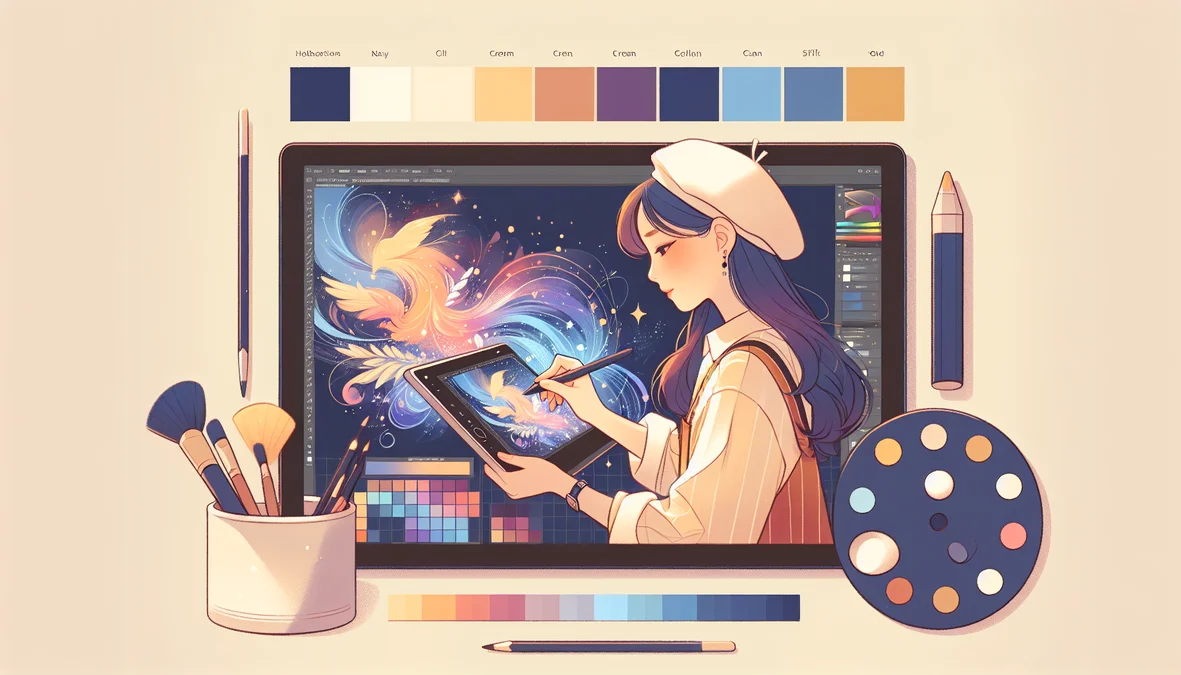
Digital art is one of the fastest-growing creative fields in the world, and kids are natural visual thinkers. Whether your child loves doodling in notebooks, creating characters for stories, or just has an eye for design, digital art classes give them professional tools and techniques that transform raw talent into real skill. And unlike traditional art classes, digital art connects directly to careers in gaming, film, animation, product design, and tech. Here is what your child will actually learn, what tools they will use, and how to get from beginner to portfolio-ready.
What "Digital Art" Actually Means
Digital art is any visual art created using digital tools instead of (or alongside) physical media. It spans a huge range of disciplines: 2D illustration and character design, digital painting and concept art, 3D modeling and sculpting, animation (2D and 3D), photo manipulation and compositing, UI/UX design for apps and games, and graphic design for print and web. In a kids' digital art class, the specific focus depends on the student's age, interests, and experience level. But the common thread is learning to use professional-grade software to create original visual work.
The Tools Your Child Will Learn
Procreate (iPad)
Procreate is the most popular digital art app for beginners and professionals alike. It runs on iPad and costs a one-time $12.99, no subscription. Procreate is intuitive enough for an 8-year-old to start creating on day one, but powerful enough that professional concept artists at Disney and Pixar use it daily. In a beginner class, kids learn brushes, layers, color theory, and basic composition. By intermediate level, they are creating polished character designs, environment art, and illustrations.
Adobe Photoshop
Photoshop is the industry standard for 2D digital art, photo editing, and compositing. It is more complex than Procreate and best suited for students ages 11 and up. Photoshop introduces concepts like non-destructive editing, advanced layer management, masks, filters, and professional color workflows. Students who learn Photoshop gain skills that are immediately applicable to graphic design, web design, and visual effects.
Try a Full Class, Completely Free
Your student gets a 1-on-1 session with a professional instructor. No credit card, no commitment.
Blender (3D Modeling)
Blender is a free, open-source 3D creation suite that rivals software costing thousands of dollars. It is used by professional studios for modeling, animation, rendering, and even video editing. For kids ages 10 and up, Blender opens the door to 3D character modeling, environment design, basic animation, and eventually game asset creation. Learning Blender is particularly valuable because it connects digital art to game development: students can create 3D models and import them directly into Unity or Unreal Engine.
What Kids Create at Each Level
- Beginner (ages 7-9): Original character designs, simple illustrations, digital coloring exercises, and comic panels using Procreate or similar tools
- Intermediate (ages 10-13): Polished character sheets with multiple views, environment concept art, basic 3D models in Blender, and photo manipulation in Photoshop
- Advanced (ages 14+): Portfolio-quality pieces including fully rendered characters, 3D scenes with lighting and textures, animation sequences, and cohesive art portfolios for college or freelance applications
How Digital Art Connects to Real Careers
Digital art is not a hobby. It is a career pathway. The entertainment industry alone employs hundreds of thousands of digital artists across gaming, film, animation, advertising, and publishing. Here are specific career paths that start with the skills kids learn in digital art classes:
- Concept artist: Designs characters, environments, and props for games and movies. Average salary: $70,000-$120,000.
- 3D modeler: Creates 3D assets for games, film, architecture, and product design. Average salary: $65,000-$100,000.
- UI/UX designer: Designs the visual interfaces for apps, websites, and software. Average salary: $80,000-$130,000.
- Animator: Brings characters and scenes to life in 2D or 3D. Average salary: $60,000-$100,000.
- Graphic designer: Creates visual content for brands, marketing, and media. Average salary: $50,000-$80,000.
Building a Portfolio: Why It Matters Early
One of the most valuable outcomes of digital art classes is a portfolio. Unlike traditional academics where the output is grades and test scores, digital art produces tangible creative work that can be showcased. A strong portfolio helps with college applications (art schools, game design programs, and even general admissions), scholarship applications (demonstrating creative skill and initiative), freelance opportunities (many teens earn money through commissions on platforms like Fiverr and DeviantArt), and self-confidence (seeing a collection of their best work builds genuine pride in their abilities). Starting a portfolio at age 10 or 12 gives your child years to develop and refine their work before they need it for applications.
Tech Tails digital art classes are taught 1-on-1 by instructors with project experience for brands like Disney and Hasbro. Whether your child is a complete beginner or already creating on their own, we build a personalized curriculum around their interests and skill level. Book a free trial. Your child will create something they are proud of in their very first 30-minute session.
Digital art classes give your child more than creative skills. They give them a professional toolkit, a portfolio, and a pathway into some of the most exciting and well-paying careers in technology and entertainment. Whether they dream of designing video game characters, animating the next Pixar film, or building beautiful user interfaces, it starts with learning the tools and building the habits of a working artist. The earlier they start, the further they go.