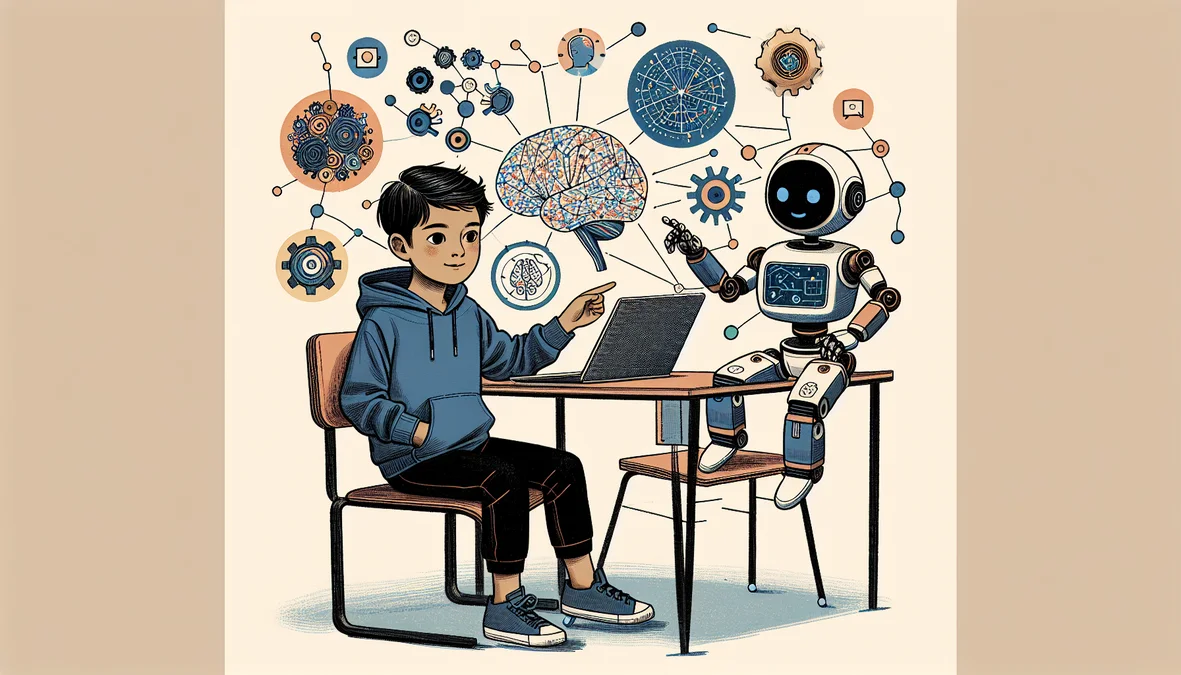
The market for kids' coding classes has exploded. A quick Google search returns dozens of options: apps, bootcamps, group classes, self-paced platforms, and everything in between. As a parent, how do you know which one is actually worth your time and money? After teaching thousands of students, here is what we have learned about what actually works and what to watch out for.
1-on-1 vs. Group Classes: Why It Matters More Than You Think
The single biggest factor in a child's coding education is not which language they learn or what platform they use. It is how much personal attention they receive. In a group class of 8-12 students, your child might get 3-5 minutes of direct instructor time per hour. In a 1-on-1 session, they get the entire 45-60 minutes. That is not a small difference. It is the difference between a student who follows along passively and one who is actively building, debugging, and problem-solving with expert guidance.
Group classes have their place. They are more affordable and offer social interaction. But for real skill development, especially for kids who are just starting out or who learn differently, 1-on-1 instruction produces dramatically faster results. We consistently see students in individual sessions progress 2-3 times faster than their peers in group settings.
Age-Appropriate Languages and Tools
Not every programming language is right for every age. Pushing a 7-year-old into Python syntax is a recipe for frustration. Here is a general guide based on what we have seen work with thousands of students.
Ages 7-9: Visual and Block-Based Coding
Scratch, Roblox Studio (with Lua basics), and Minecraft Education are ideal starting points. These platforms use visual blocks or simplified interfaces that teach computational thinking without the frustration of typing syntax. Kids learn sequencing, loops, conditionals, and event handling, all the core concepts, through game creation and interactive projects.
Ages 10-13: Transitional Languages
Python, Lua (via Roblox), and JavaScript are excellent for this age group. Students are ready for text-based coding but still benefit from visual feedback. Game development projects in Roblox or web development with HTML/CSS/JavaScript keep motivation high while teaching real programming concepts. This is also a great age to introduce version control basics and project organization.
Ages 14+: Industry-Standard Tools
Older teens are ready for the tools professionals use: Python, JavaScript, C#, Unity, Unreal Engine, Blender, and more. At this level, students should be building portfolio-worthy projects: functional games, websites, apps, or 3D models. The focus shifts from learning syntax to developing problem-solving skills and understanding software architecture.
Try a Full Class, Completely Free
Your student gets a 1-on-1 session with a professional instructor. No credit card, no commitment.
What to Look for in an Instructor
This is where most parents make their biggest mistake: they focus on the platform or curriculum and ignore the instructor. A great instructor can make any tool engaging. A poor instructor can make the best curriculum in the world fall flat. Here is what to prioritize.
- Industry experience: Has the instructor actually worked in tech, game development, or design? Teaching coding concepts is one thing. Teaching how those concepts are used in real games, apps, and products is another level entirely.
- Teaching ability: Technical skill alone is not enough. Look for instructors who can explain concepts clearly, adapt to your child's pace, and keep sessions engaging. Ask about their experience teaching kids specifically.
- Patience with different learning styles: Every child learns differently. Some are visual learners, some learn by doing, some need to hear explanations multiple times. A good instructor adapts rather than plowing ahead.
- Genuine enthusiasm: Kids can tell when an adult is going through the motions. The best instructors are genuinely excited about both the subject and the student's progress.
“My son's instructor worked on actual games at Activision. When he explains why clean code matters, he is not speaking hypothetically. He is drawing on real experience shipping products to millions of players.
Red Flags to Watch For
- No free trial: If a company will not let you try a class before paying, that is a red flag. You should be able to see the instructor, the format, and your child's reaction before committing any money.
- Pre-recorded video marketed as "classes": Some platforms sell access to video libraries and call it instruction. That is not a class. It is a subscription to YouTube with extra steps.
- Vague instructor credentials: "Our instructors are passionate about coding" tells you nothing. Look for specific backgrounds, portfolios, and company names.
- Rigid curriculum with no personalization: If every student follows the exact same script regardless of their interests or pace, it is not personalized education.
- Long-term contracts with no flexibility: Be wary of companies that lock you into 12-month contracts upfront. Good programs earn your continued business month by month.
How Much Should You Expect to Pay?
Pricing varies wildly. Self-paced platforms run $15-30 per month. Group classes typically cost $40-80 per session. 1-on-1 tutoring ranges from $50-100+ per session depending on the instructor's credentials and the company's overhead. As a reference point, Tech Tails charges $55-65 per session for 1-on-1 instruction with industry professionals, and many families pay nothing out of pocket by using state education scholarships like Utah Fits All, Arizona ESA, or Florida PEP and FES.
Before paying out of pocket, check if your state offers an Education Savings Account (ESA) or scholarship program. In Utah, Arizona, and Florida, families can receive $4,000-$34,000 per year for approved educational expenses, including 1-on-1 coding classes.
The Bottom Line
The best online coding class for your child is one with a qualified, engaging instructor who adapts to your child's learning style and interests. Everything else (the language, the platform, the curriculum) is secondary. Start with a free trial, watch your child's reaction, and trust your instincts. If they are engaged, excited, and asking when the next session is, you have found the right fit.